
Use this process to create multiple Enrollment records at once and enroll Apprentices into an LMS Class through HubSpot.
1. Download and complete the Bulk Enrollment template.Make sure the file includes the required fields, including Operation (Enroll).

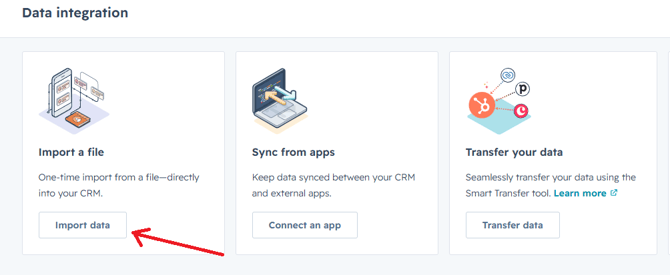
https://app.hubspot.com/data-integration-home/45202124/3. Click Import data.
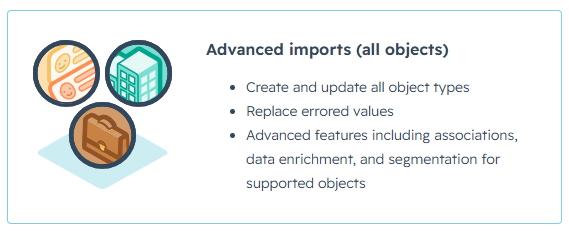
-
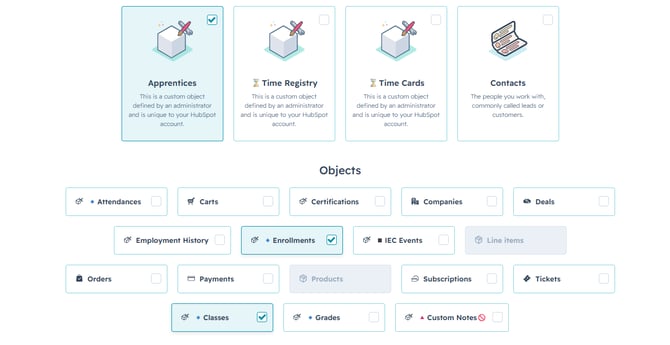
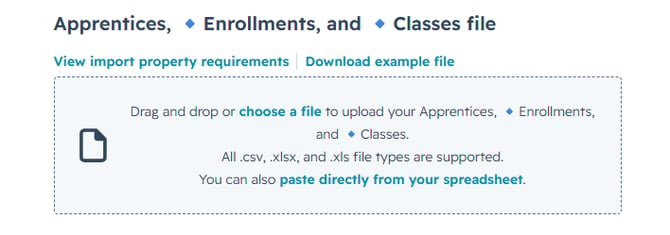
- Enrollments
- Apprentices
- Classes
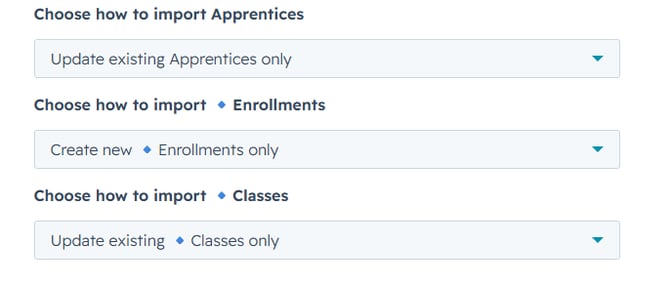
-
- Apprentices: Update existing only
- Enrollments: Create new only
- Classes: Update existing only
-
- Enrollments properties → Enrollment
- Enrollments properties → Operation (Enroll)
- Apprentice properties → 🔑 Apprentice Email
- Classes properties → 🔑 Course Code
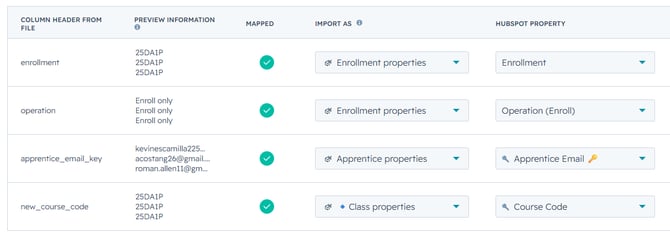
9. Confirm that all four fields are mapped to the correct object and property and click Next.
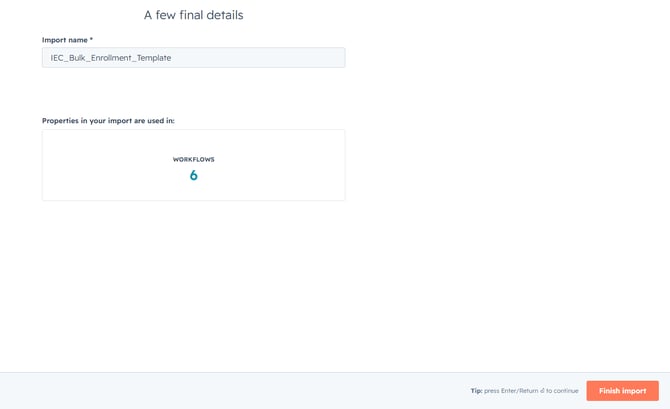
10. Finally name your import as you want and click Finish Import.
Once the import is completed, HubSpot will create the new Enrollment records and associate them with the corresponding Apprentice and Class. The Operation (Enroll) value will then trigger the existing LMS enrollment workflow.