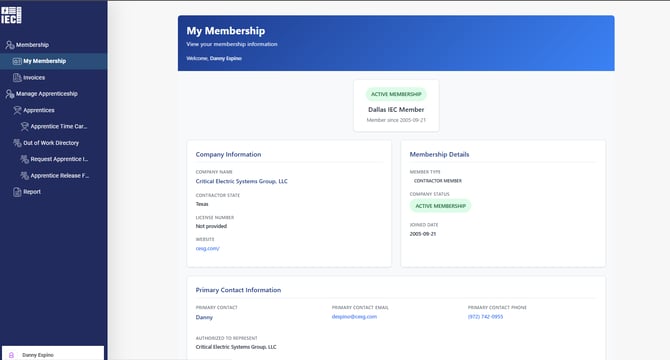
The “Impersonate User” option is now available.
Please follow these steps:
-
Log in to the portal with an admin user:
https://portal.iecdallas.com/web/dallas-iec/login
-
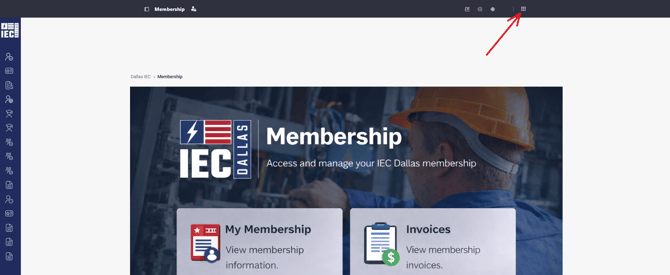
Select the Grid option (“Open Applications Menu”).
-
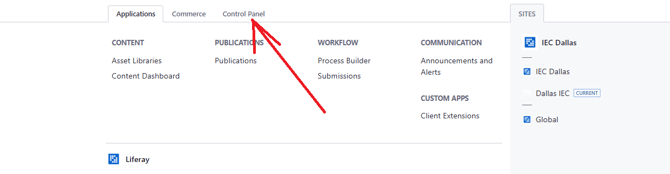
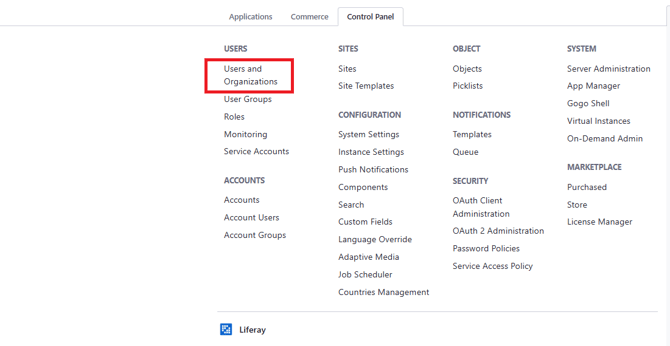
Go to the “Control Panel” tab and then choose “Users and Organizations.”
-
I recommend searching for the user by email.

-
Click on the three-dot menu next to the user and select “Impersonate User.”
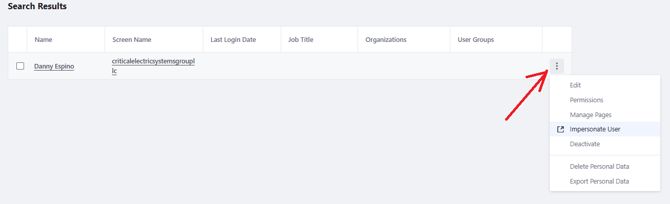
That’s it — you’ll now be able to view the modules as that specific user.