
1. Go to Tickets and select the pipeline “Contractor Request”, or access it directly using this link:
https://app.hubspot.com/contacts/45202124/objects/0-5/views/52450540/list
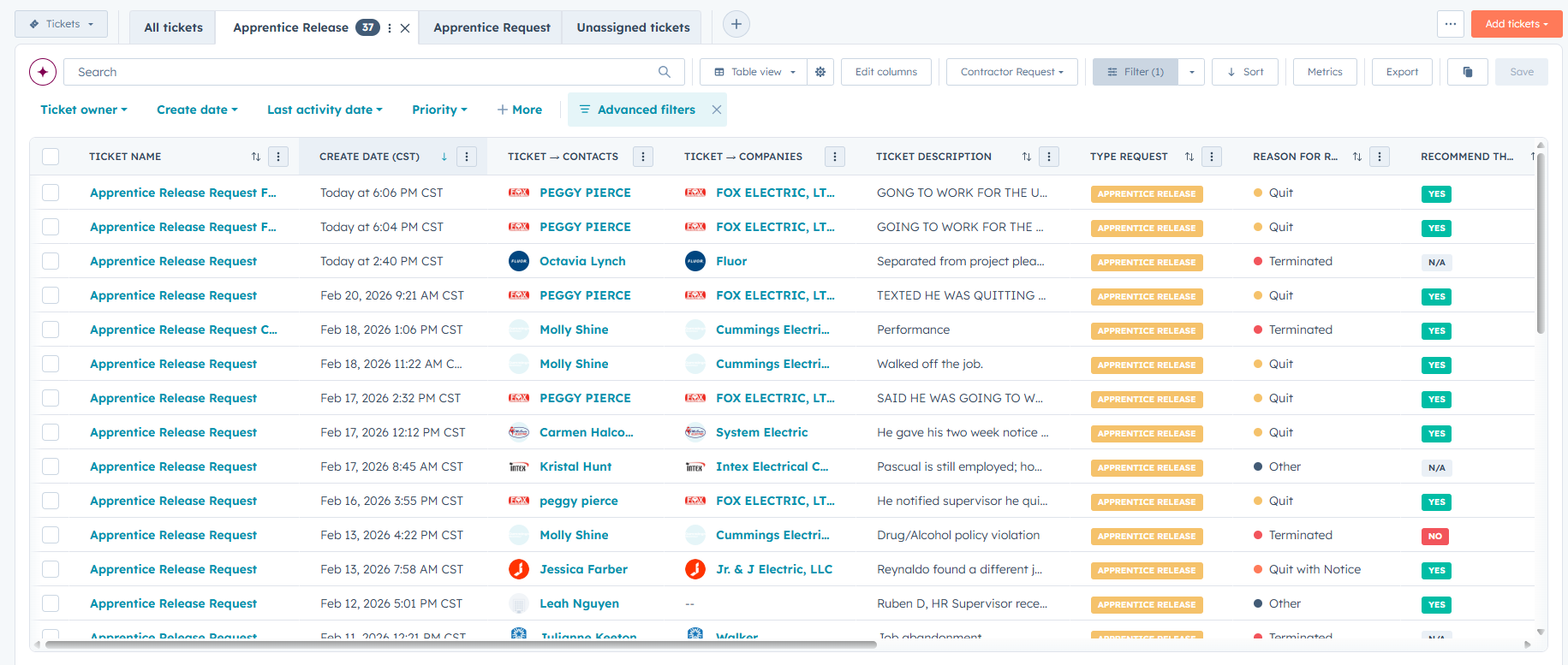
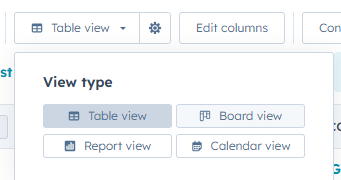
2. In the view, you can switch to “Board view” to see it in pipeline format.
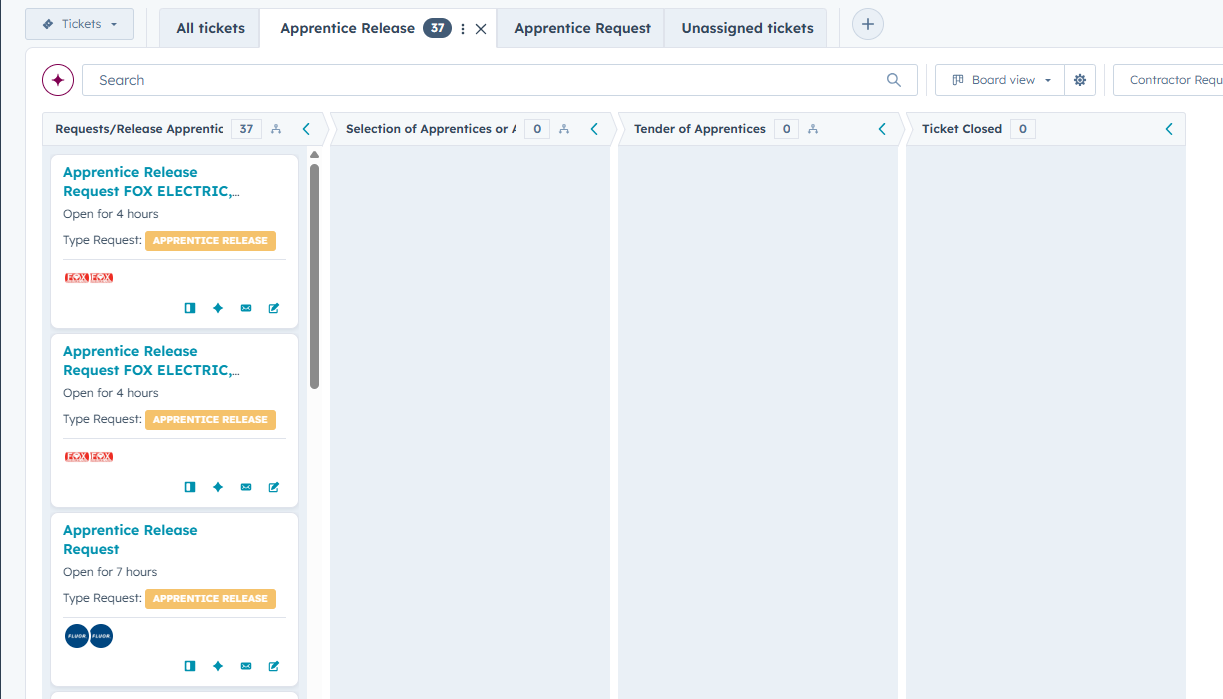
3. The ticket can be dragged across stages to document the progress and management of the request.
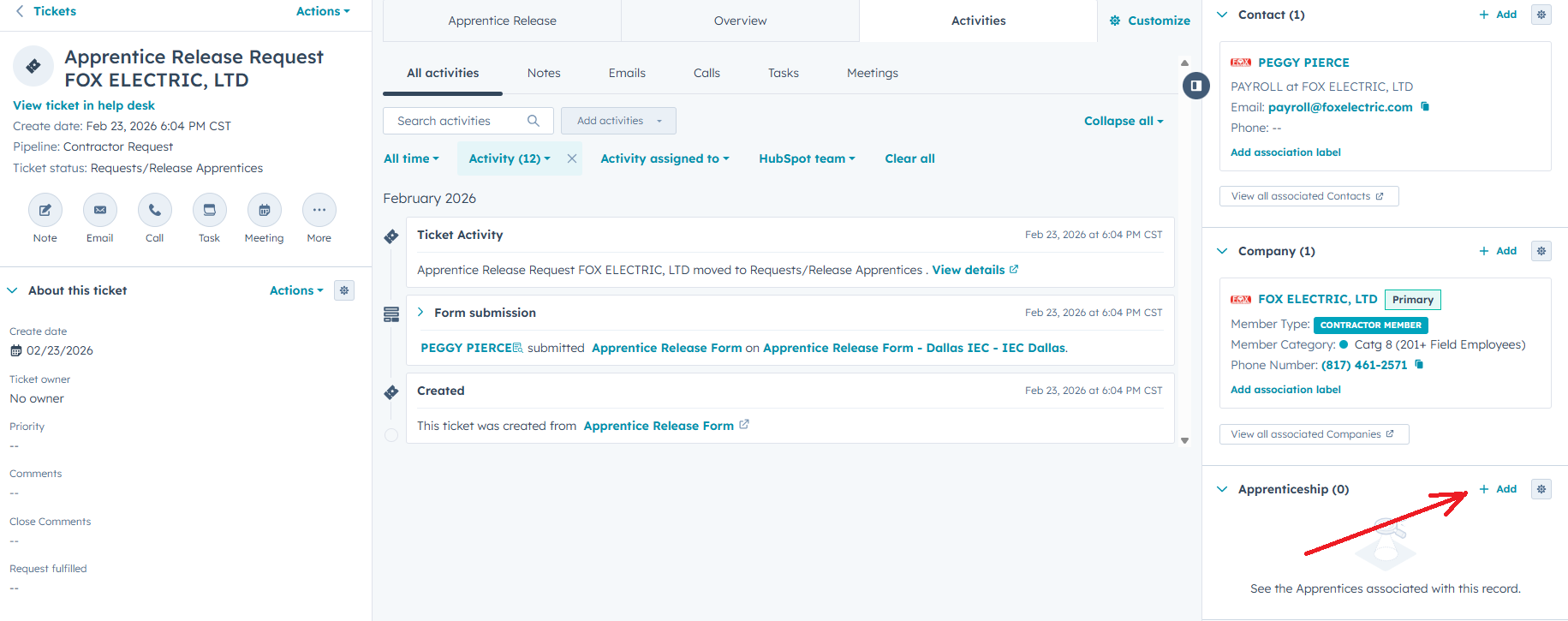
4. Inside the ticket, I recommend associating the Apprentice so the ticket history remains connected to that student’s record.
5. The actual process of releasing an Apprentice must be completed in the “Apprentice” pipeline by updating the appropriate stage, status, and contractor.
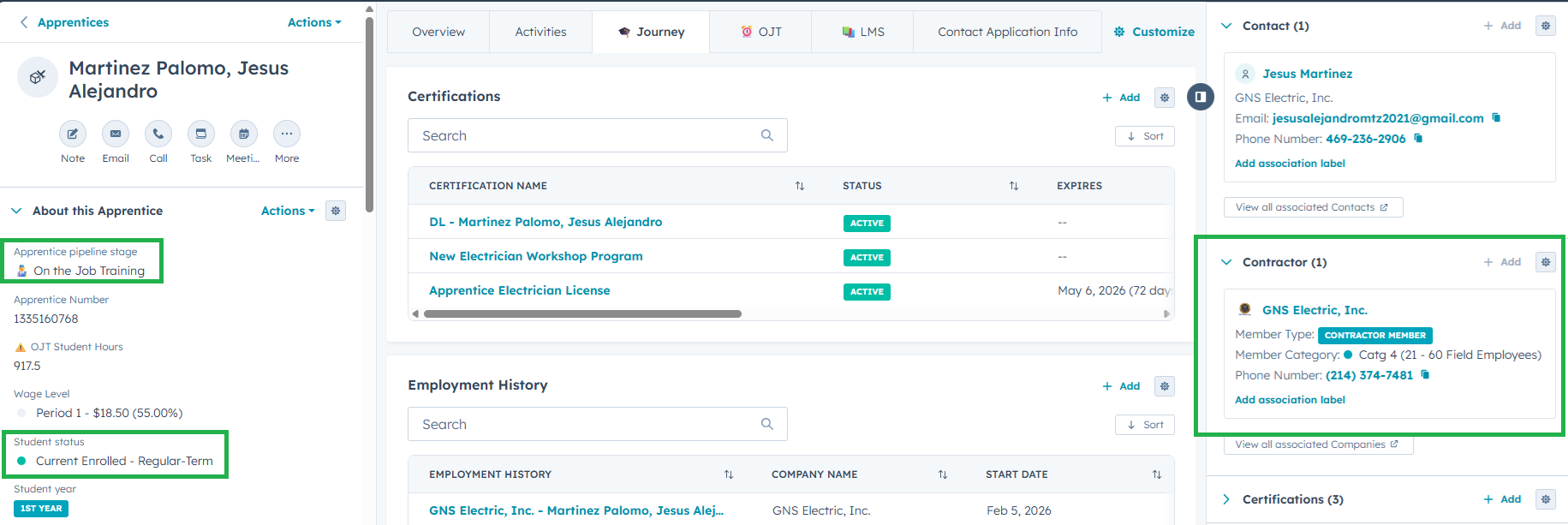
The ticket is used to document the contractor’s request and keep a proper record.