
Step 1: Create Your Event
Create a new Event record in HubSpot. You can either:
- Create a new Event from scratch, or
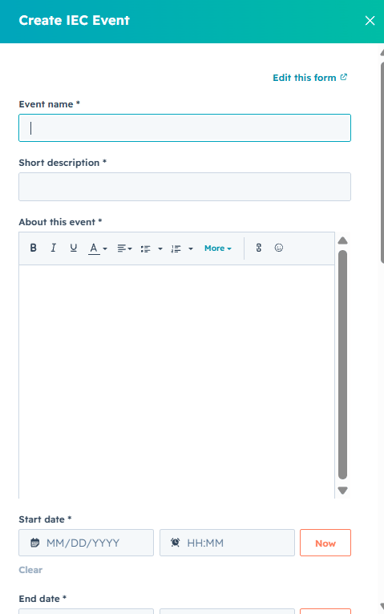
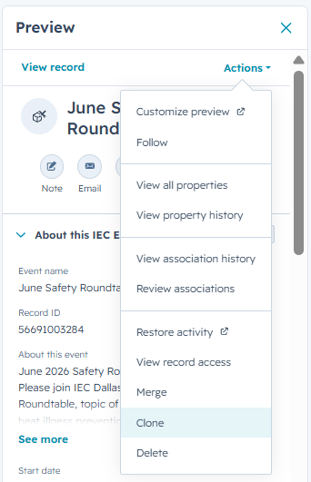
- Clone an existing Event and update the information as needed.
Step 2: Build the Registration Form
Create a registration form for the event. You can either:
- Create a new form from scratch, or
- Clone an existing form and update it as needed.

Important: The form must include:
- The Event ID
- The Event Name

The Event Name must match the Event record exactly. This allows HubSpot to link registrations to the correct event.
Step 3: Connect the Form to the Event
Copy the form link and add it to the Register Now field in the Event record.
1.
2.
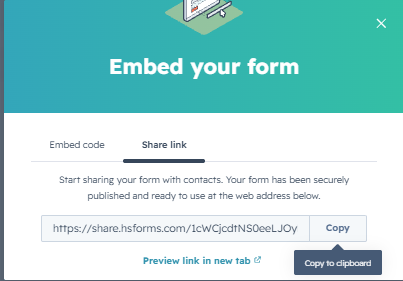
3. Open the Event record. Navigate to the Tickets section.
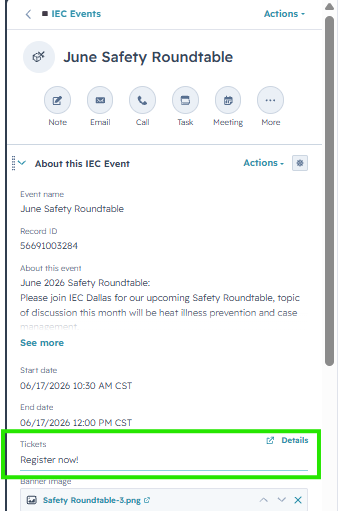
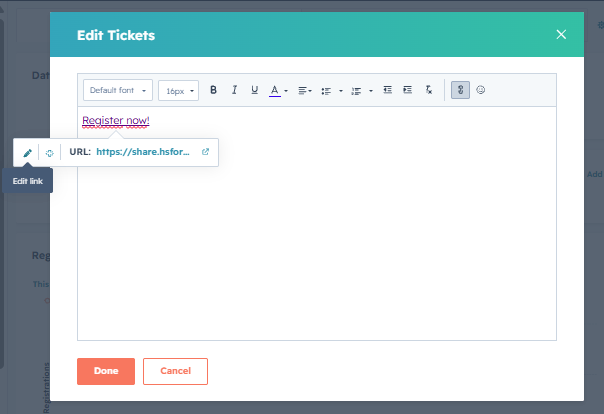
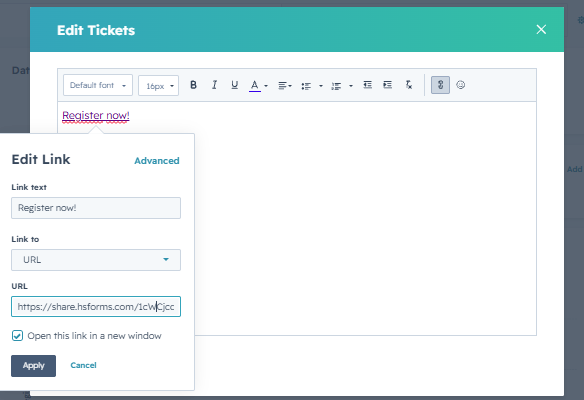
4.Click Register Now and edit the associated link. Paste the registration form link.
5.Save your changes and run a test registration
Once this is done, visitors will be able to register for the event, and all registrations will be automatically associated with the correct Event record.