
To view Sales Receipts from QuickBooks payment links in HubSpot, follow these steps:
1. Go to the “Deals” object and select the pipeline "Sales Receipt"
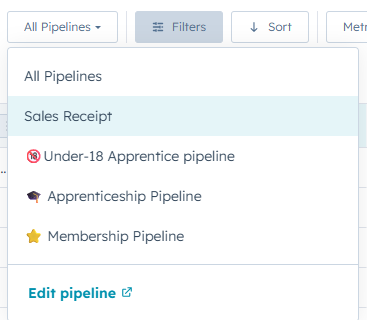
2. Or access the view directly using this link:
https://app.hubspot.com/contacts/45202124/objects/0-3/views/57295511/list
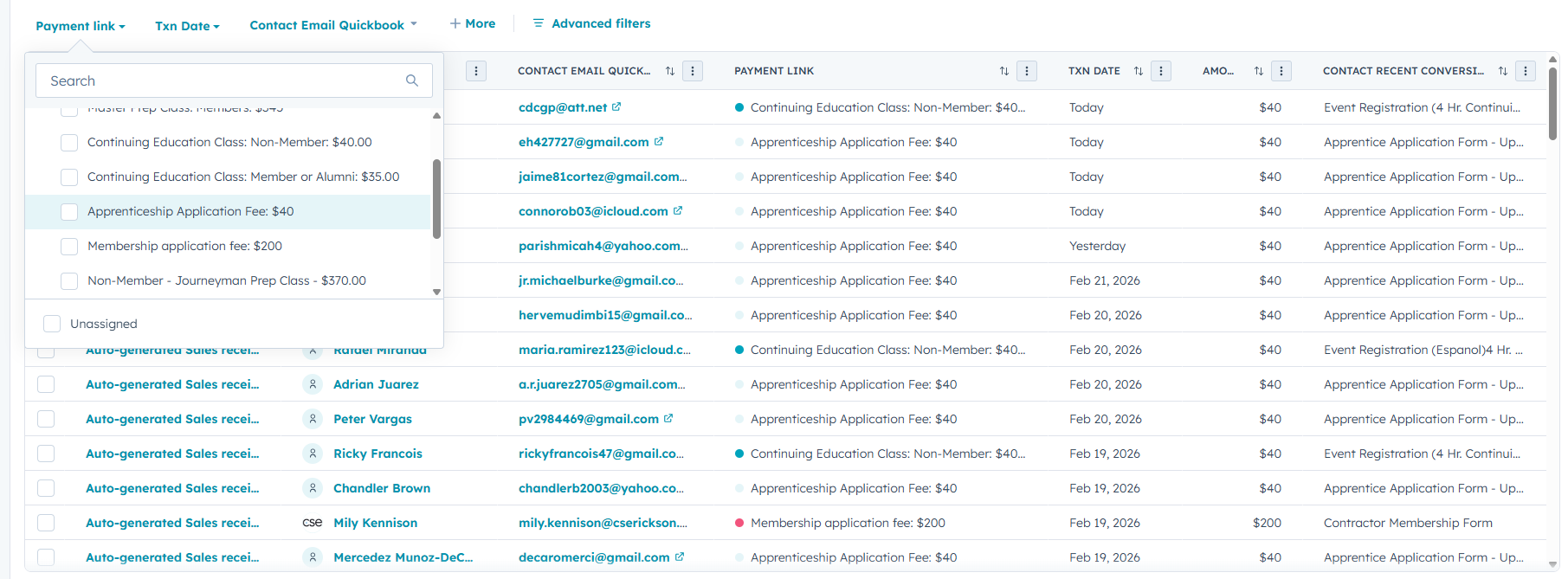
🕯️Tip: Use quick filters for type, date and email
From there, you’ll be able to see all records created from QuickBooks payment links synced into HubSpot.